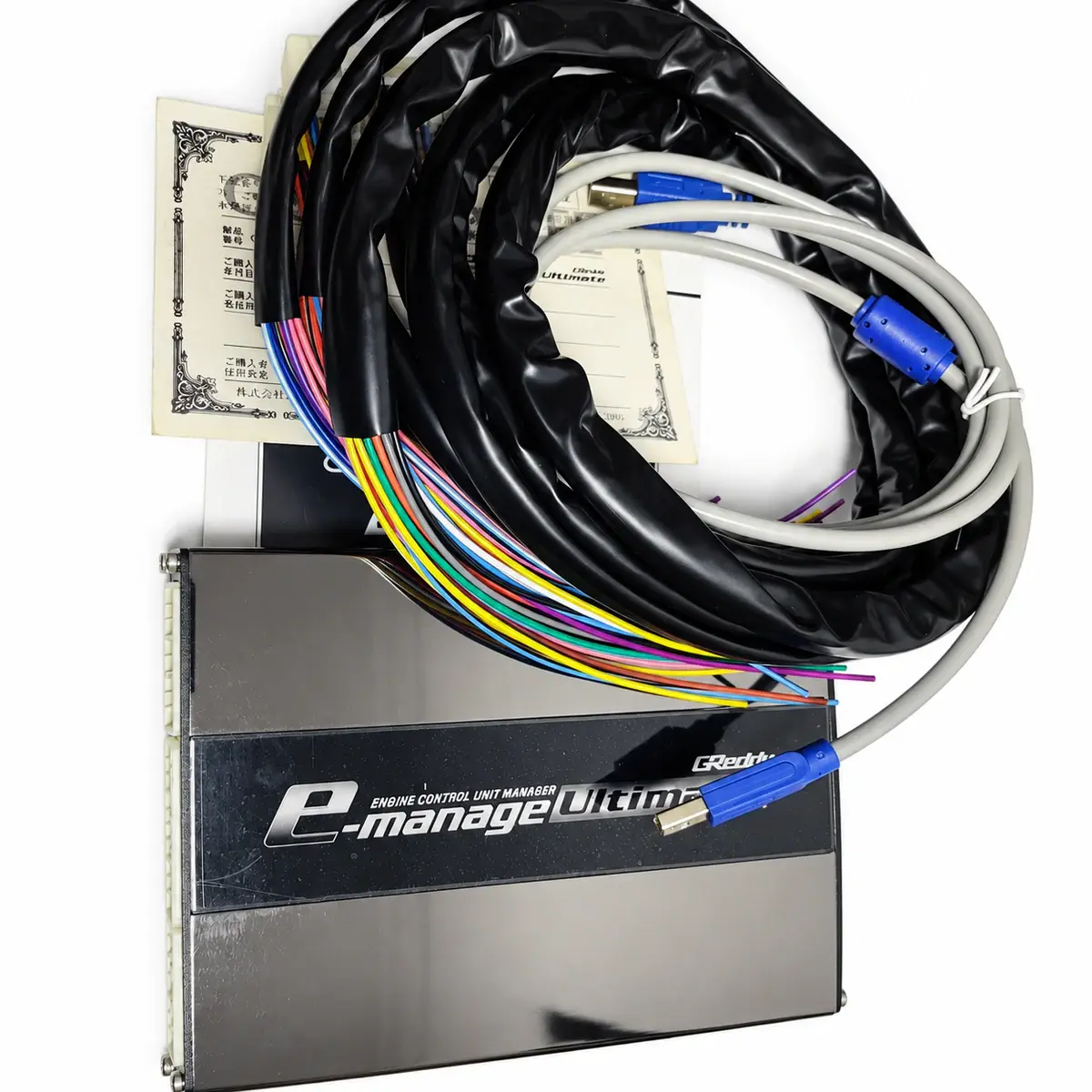
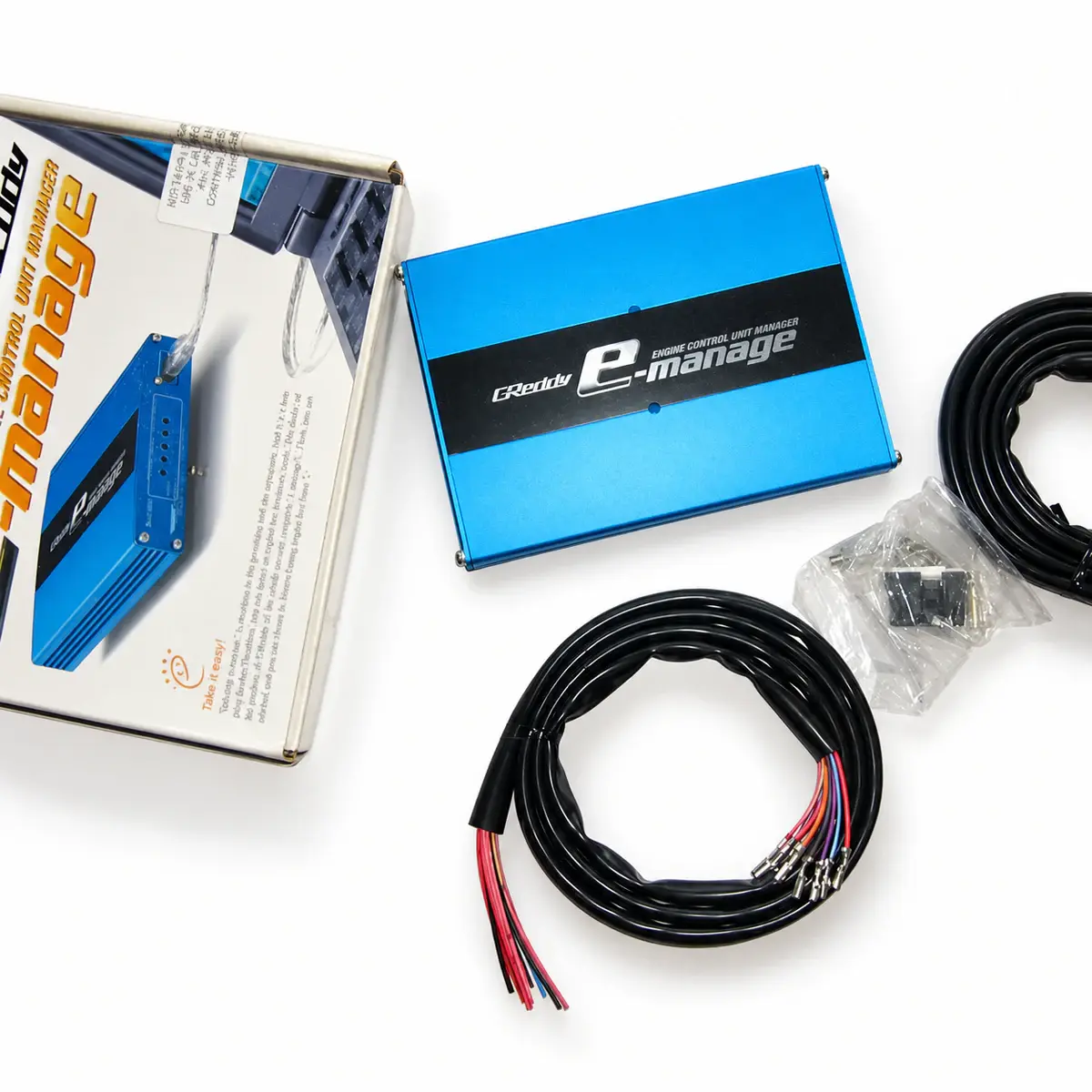
Applicability
Legacy TRUST / GReddy products; software availability does not imply modern OS support.
Choose the correct branch
Ultimate uses its dedicated software. Blue GSC-50000 onward uses e-Manage software; GSC-49999 and earlier uses Support Tool. Identify model, serial and interface hardware rather than enclosure colour.
Legacy operating systems
TRUST lists Windows 2000 / XP / 7 for Blue and 2000 / XP / Vista / 7 for Ultimate, excluding 64-bit systems. This does not establish Windows 11, ARM or macOS support.
First connection and initialization
Ultimate requires PC program and setup before initial use. On a used unit, read and save its configuration before checking RPM, load and input options; do not overwrite it with another vehicle’s file.
Software menus and optional hardware
A menu option needs its corresponding signal and hardware. Check which injector or ignition harness, sensor or adapter is fitted, then test the recorded channels under the relevant conditions.
Reference documents
- TRUST — GReddy e-Manage and e-Manage Ultimate official pages
- Document language: English
- Referenced chapters: Software branches, serial conditions, OS and initial setup