
 Controller
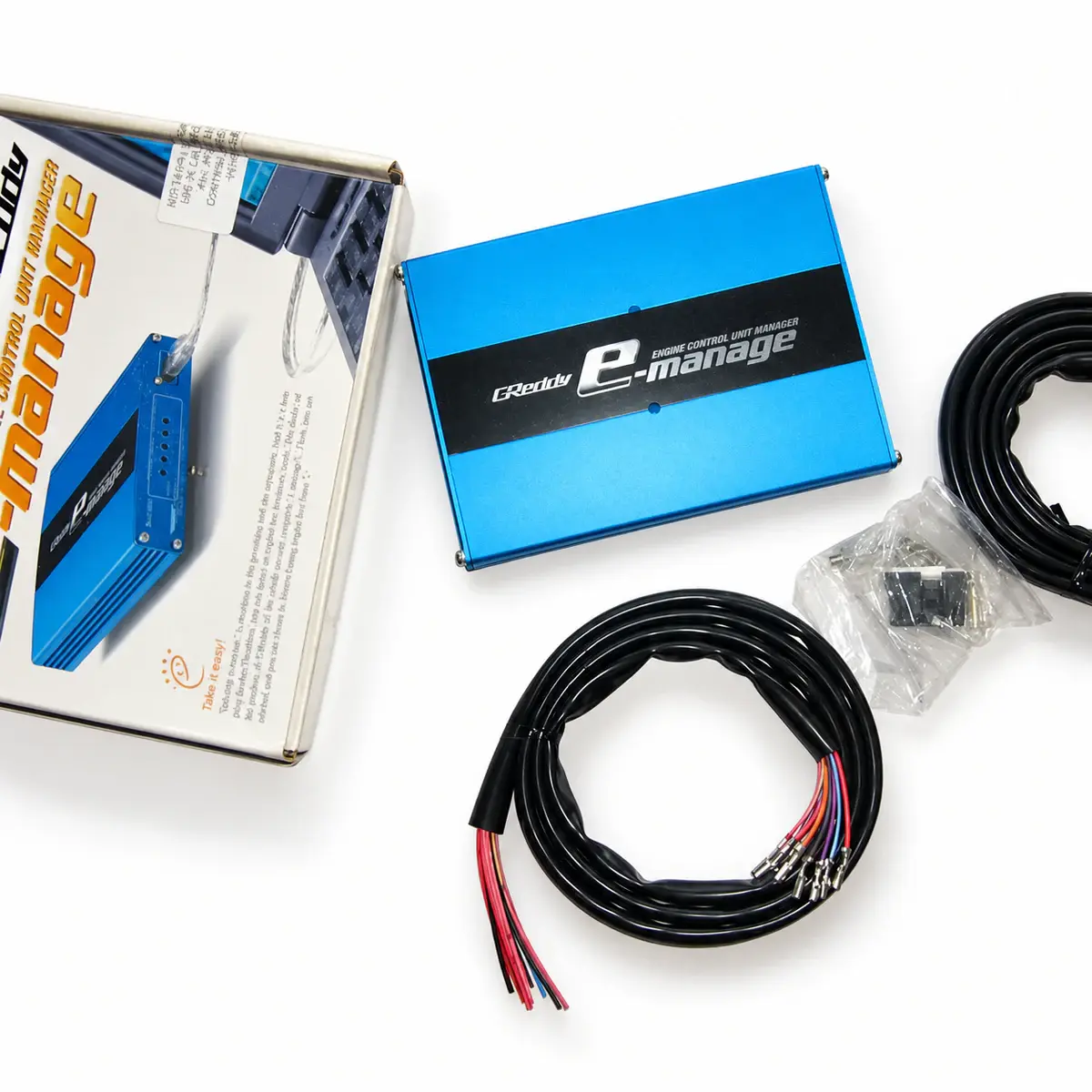
GReddy e-Manage Blue
$250.27–276.62
e-Manage Blue piggyback controller for engine tuning while retaining the factory ECU.
Controller
e-Manage Ultimate piggyback controller for tuning projects that retain the factory ECU.
Reference prices vary with exchange rates and the supplied package. Contact customer service to confirm the price, shipping and taxes.
01 / About e-Manage Ultimate
Ultimate is a piggyback controller with bidirectional injector correction, airflow correction and USB logging. Crank / cam inputs let it display ignition timing; optional adapters and harnesses determine which additional functions are available on a particular engine.
Direct injector correction can add or remove fuel.
Cylinder-specific fuel and ignition corrections.
Onboard logging at intervals down to 20 ms.
USB setup with optional pressure, temperature and A/F inputs.
02 / Specifications
03 / Package contents
The actual supplied contents are confirmed in the itemized quote. Check the following items before payment.
Confirm the Ultimate controller, main harness, optional harnesses, interface and software separately; do not use the Blue package list.
04 / Fitment & installation: GReddy e-Manage Ultimate
Check the model, hardware revision and connector pins against the device’s wiring diagram.
Use the exact ECU wiring diagram; verify every circuit for continuity and shorts before connecting power.
Install the matching software and initialise the controller before calibration; back up existing maps before writing changes.
05 / Questions about e-Manage Ultimate
No. Ultimate has its own software and hardware connections. Match the controller label and adapter arrangement before selecting a cable or installer.
Legacy Ultimate software supports Windows 2000 / XP / Vista / 7, excluding 64-bit systems. A matching USB connector still requires driver and OS compatibility checks.
Ultimate supports adding and subtracting fuel. With matching signals, harnesses and adapters connected, engine-specific calibration is still required.
Ultimate logs at intervals as short as 20 ms, or 50 samples/s. Logging sample rate differs from fuel and ignition computation speed.
Ultimate needs a PC program download and setup before first use; it has no universal vehicle map. Check harnesses, adapters and required calibration.
Yes. Ultimate logs without a PC at intervals down to 20 ms. Configure the trigger, record, then connect a PC to retrieve data. Sensor response also limits useful sampling.
Yes. Cylinder-specific fuel and ignition, acceleration, coolant and intake-temperature corrections are supported. Connect and validate the required input signals before enabling each correction.
No. Target correction needs a valid A/F input, the correct scale and enabled maps. It assists calibration; it does not identify engine hardware or supply suitable injector, ignition and protection settings by itself.
No. The two option ports accept alternative accessories such as pressure, temperature, A/F or switching inputs. Allocate each port to the intended function and use the correct harness; a list of supported options does not create extra physical ports.
No. Knock display depends on a supported vehicle and signal adapter. It is not a universal direct connection for arbitrary knock sensors.
No. The A/T function retards ignition during supported gear shifts. It does not control the transmission solenoids; the factory transmission control system must remain in place.
06 / Manuals & resources
EXPLORE / Related products
Controllere-Manage Blue piggyback controller for engine tuning while retaining the factory ECU.
 Controller
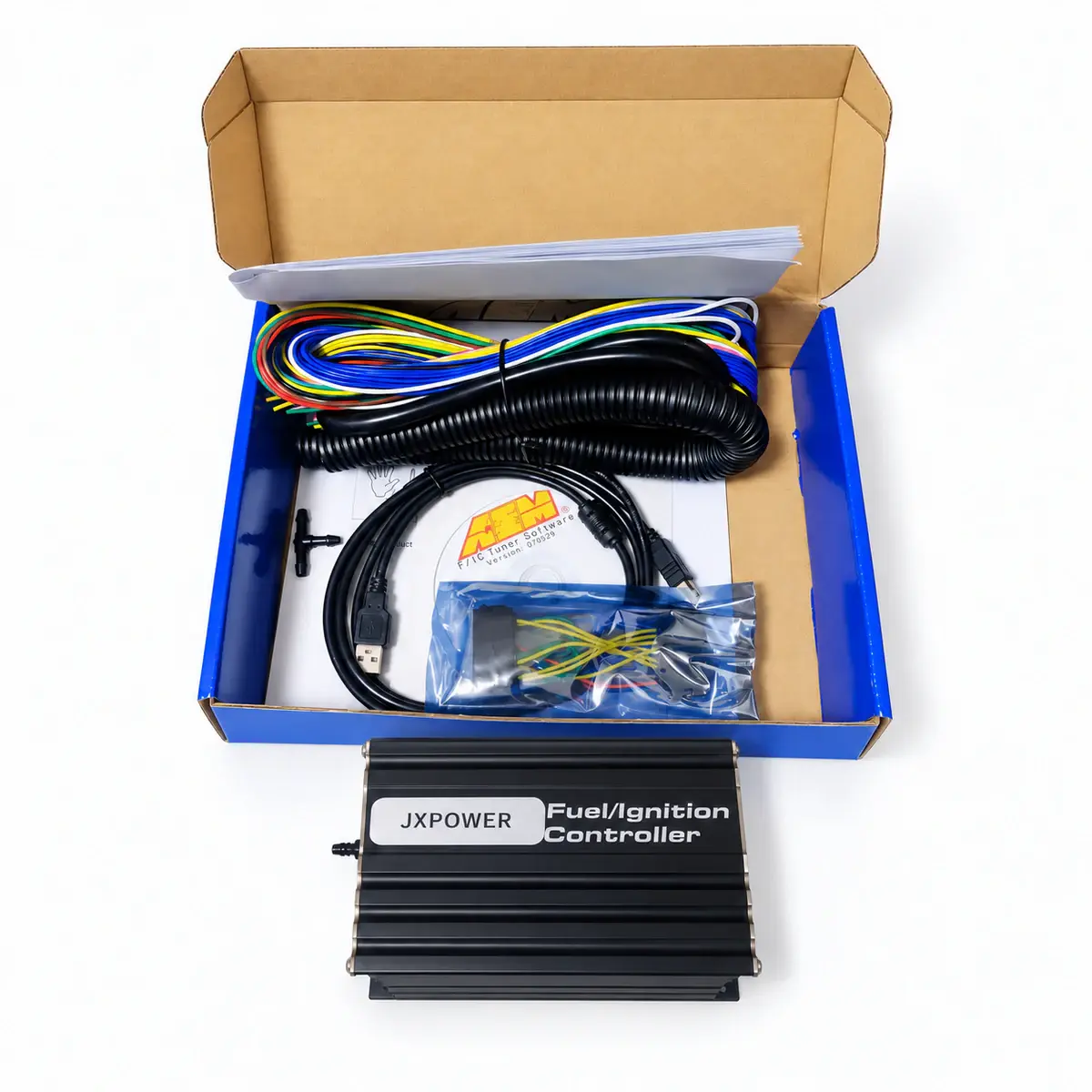
FIC6 piggyback controller for tuning projects that retain the factory ECU.
 Controller
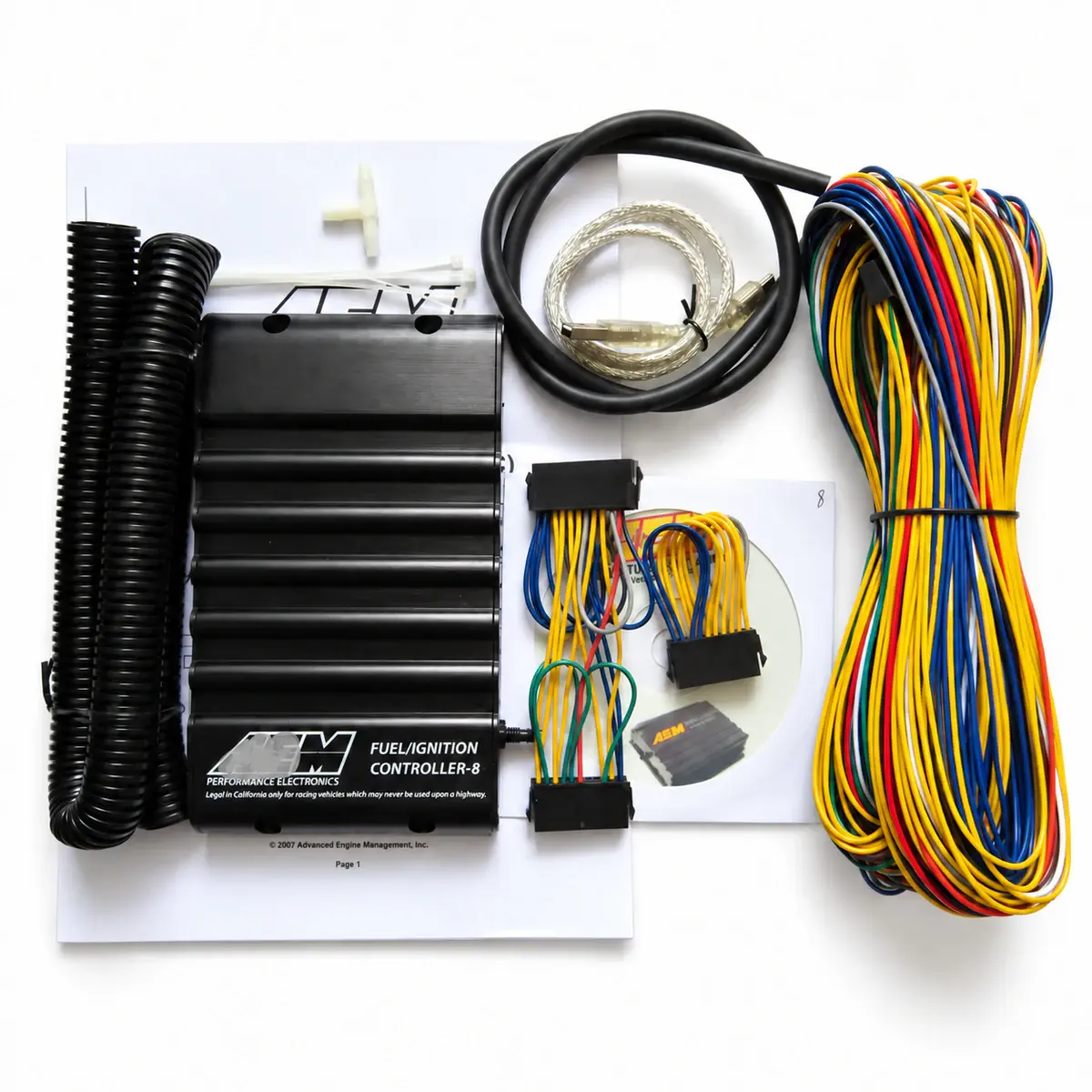
Eight-channel piggyback controller that retains the factory ECU and supports fuel correction, ignition retard and boost valve control.