Applicability
ECU tuning cables and interfaces
Start at the controller
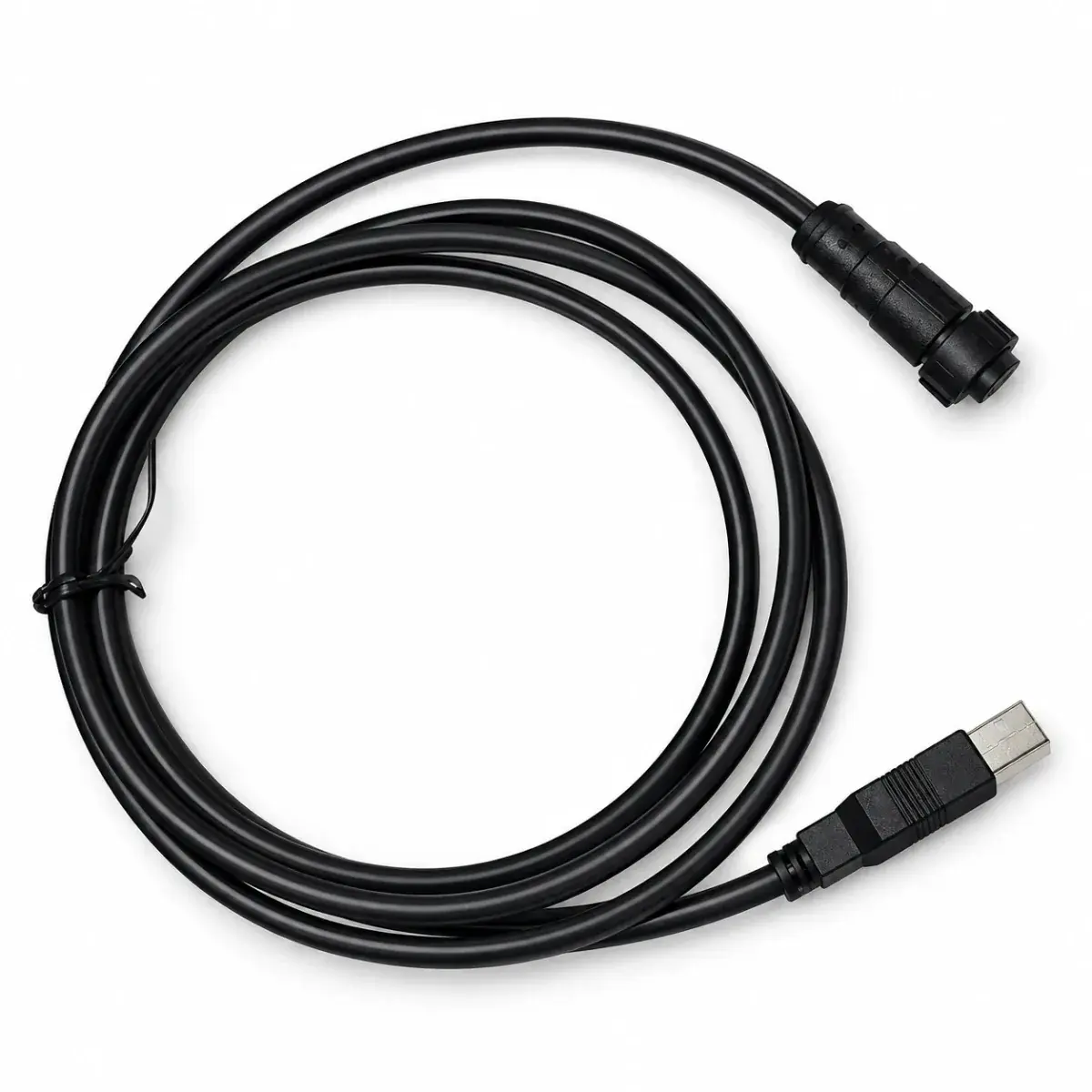
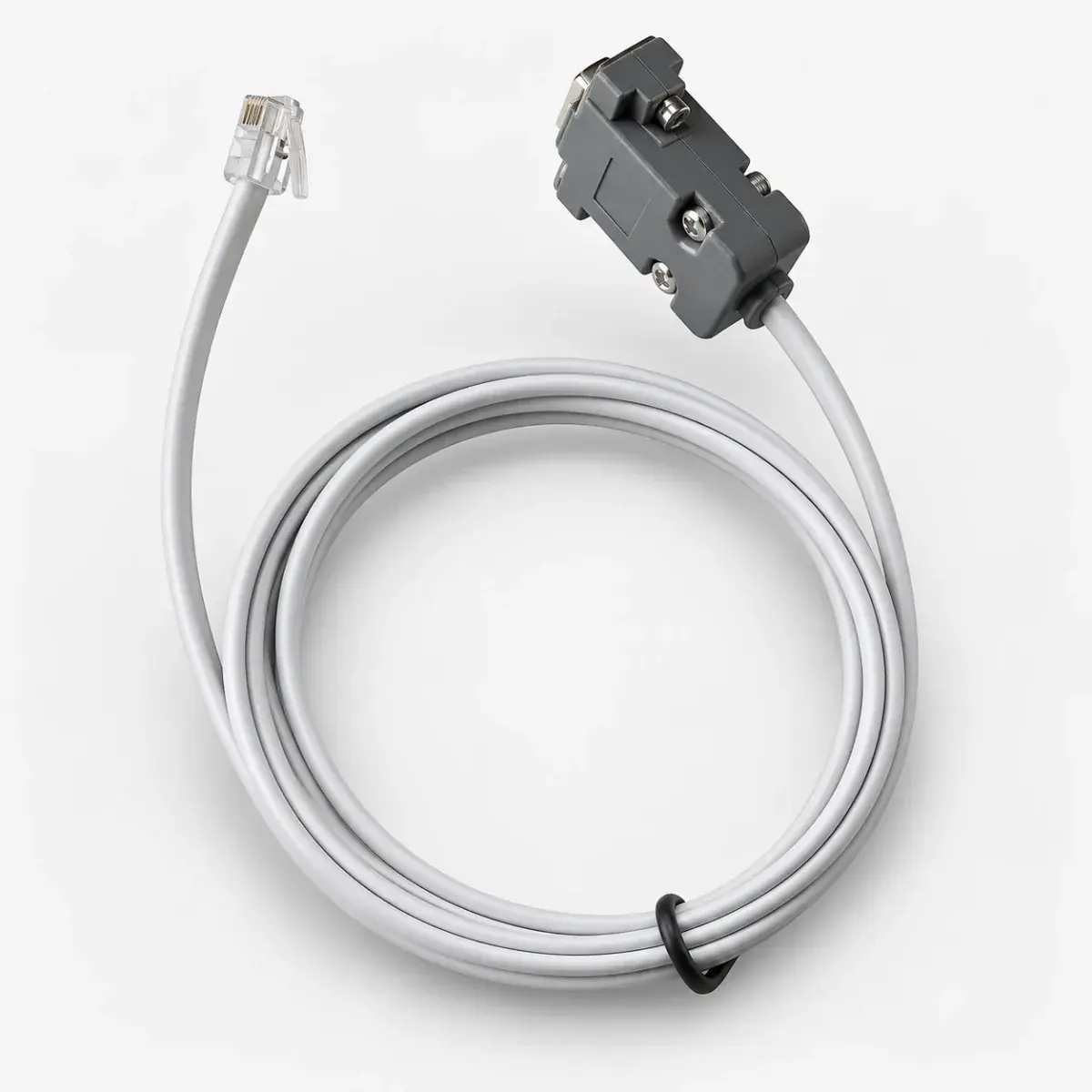
Confirm the ECU model, hardware and firmware. Use the connection method specified for that version rather than assuming that another controller with a similar port uses the same interface.
Separate the connector from the protocol
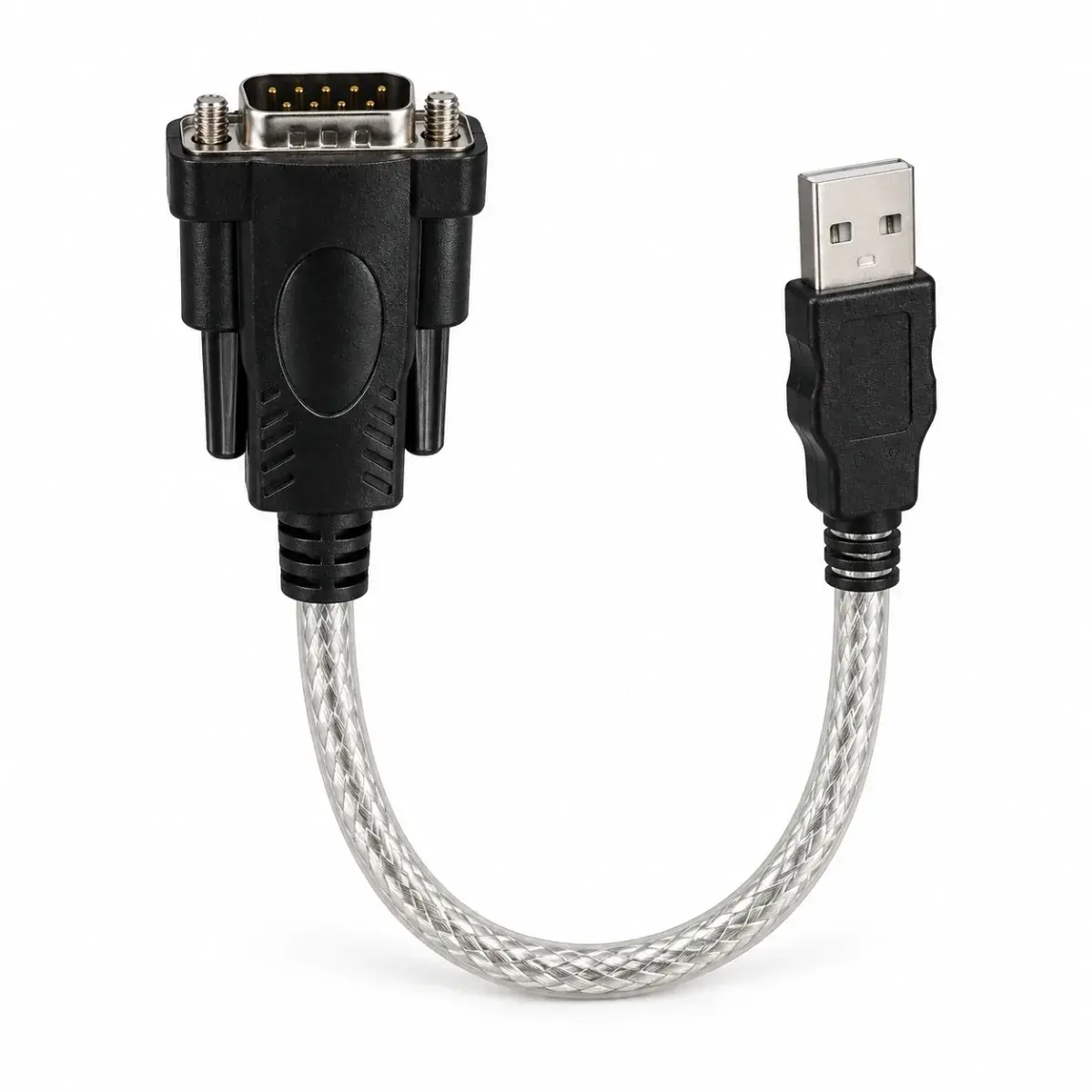
USB, a 9-pin connector or an RS232 description does not establish complete compatibility. Physical shape, electrical level and communication protocol are separate checks.
Check the computer side
Identify the operating system, software release and required driver. Historical support for an older Windows release does not establish compatibility with a current system.
Tell us what you already have
List existing cables, adapters, software and the computer system. This helps distinguish a missing driver from the need for a different interface.
Checklist & example
- ECU / firmware → port / pinout → electrical protocol → interface.
- Computer operating system → driver version → tuning software version.
- Record existing equipment and verify each step before connection.
Reference documents
- MaxxECU — connection troubleshooting