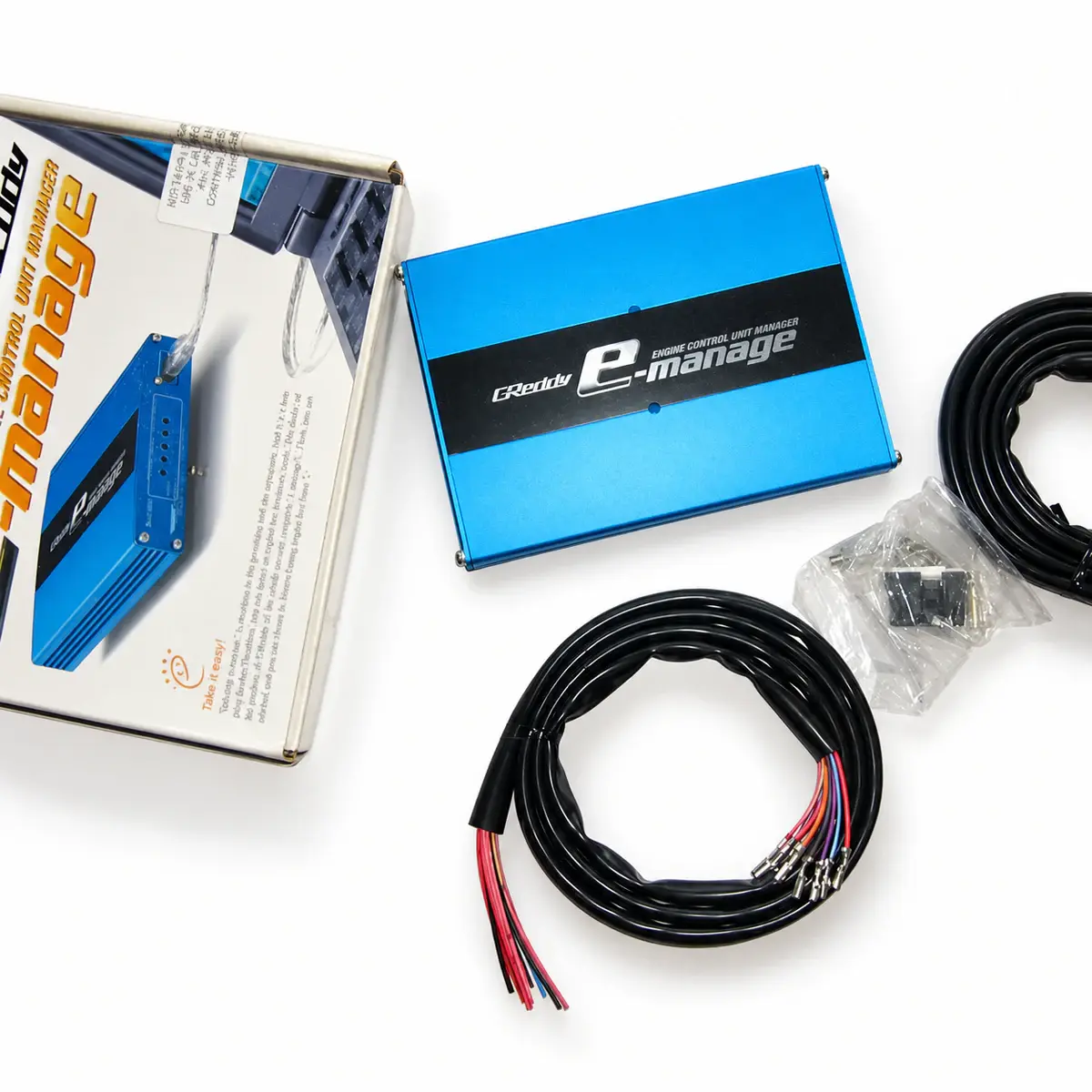
Applicability
Discontinued e-Manage, model 15500510; check the GSC serial range.
Control strategy
Blue’s five dials alter airflow / pressure signals. PC tuning, fuel and ignition extensions depend on the proper interface and options. Ultimate’s bidirectional injector correction and I/O do not automatically apply to Blue.
Functions and required options
Expansion functions require the matching sensors and harnesses. Select software using controller generation, serial number and operating-system architecture.
| Item | Specification / revision condition |
|---|---|
| Model / part number | 15500510 |
| Calibration tables | 16 × 16 maps with optional PC setup |
| Fuel correction | Optional injector harness adds injection duration; up to two additional injectors |
| Version identification | GSC-50000 onward: e-Manage software; GSC-49999 and earlier: Support Tool |
| Software environment (legacy) | Windows 2000 / XP / 7; 64-bit unsupported |
| Base-unit adjustment | Five physical dials for airflow / pressure-signal correction |
| PC map axes | Engine speed and throttle opening; live map trace |
| PC monitoring | Real-time display and data logging with matching software |
| Additional injectors | Up to two additional injectors with the required options |
| Valve-system switching | VTEC / NVCS switching-point adjustment with matching options and vehicle signals |
| PC interface | USB 1.1 or later; correct controller interface still required |
Input signals and option ports
The base unit modifies airflow or pressure signals. Injector and ignition expansion require the matching optional harnesses. Before enabling a correction, identify its input signal, wiring and intended direction of change.
Software branch and connection
Blue GSC-50000 onward uses e-Manage software; GSC-49999 and earlier uses Support Tool. Ultimate has its own software. Save the existing setup, then choose by full model, serial number and PC architecture; do not mix Blue and Ultimate.
Verify that corrections take effect
First verify that live RPM, throttle and load match actual operating conditions, then check map tracing. Compare measured air-fuel ratio and factory fuel trims before and after changes; do not judge only whether table values have changed.
Reference documents
- TRUST / GReddy — e-Manage Blue official product documentation
- Document language: English
- Document revision: 15500510
- Referenced chapters: Product specifications, software requirements, options and control functions