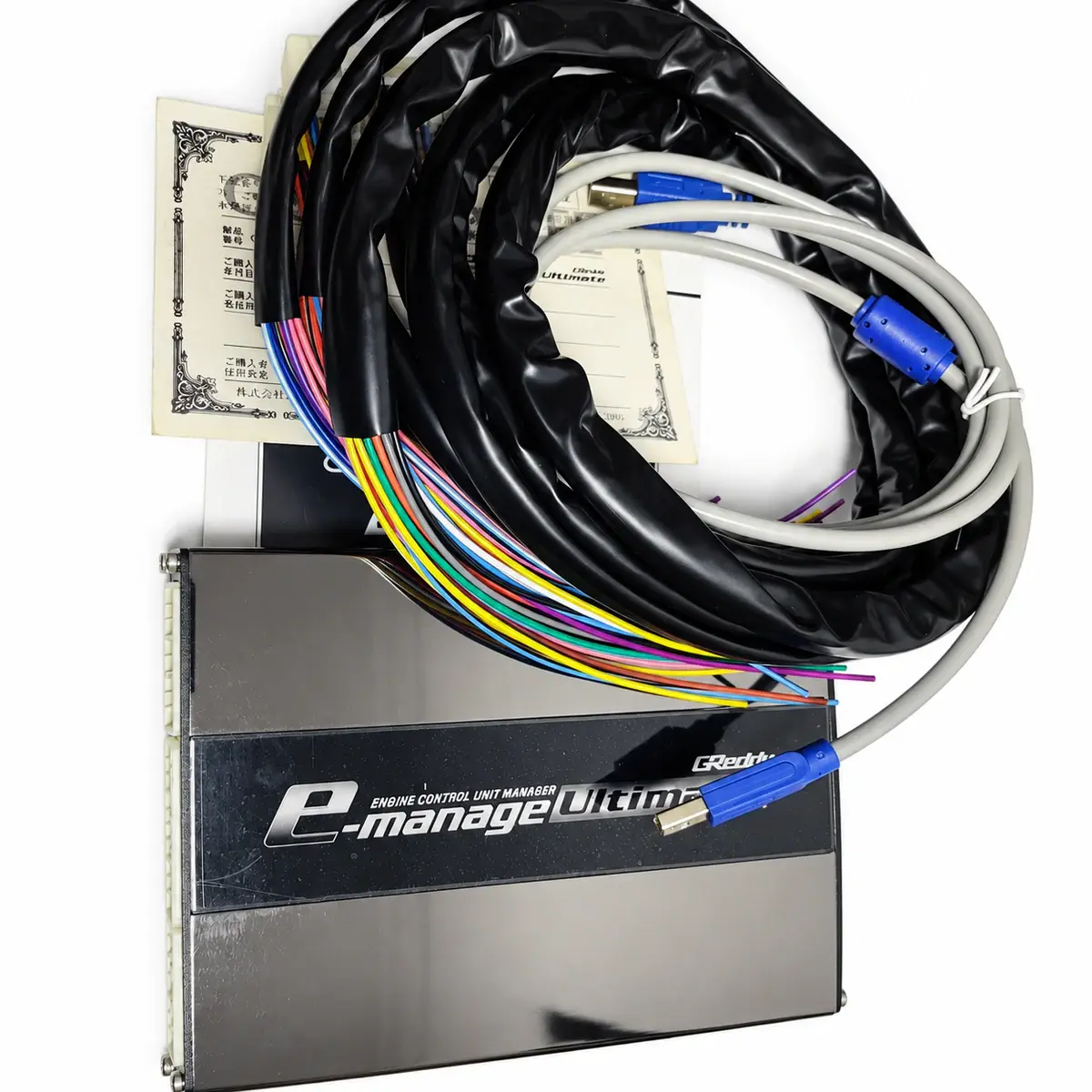
Applicability
GReddy e-Manage Ultimate only; e-Manage Blue has separate wiring and software requirements.
Control strategy
Ultimate retains the factory ECU and works through selected inputs plus injector and ignition correction. Initial use requires PC program and setup; there is no factory calibration valid for every engine.
Functions and required options
Expansion functions require the matching sensors and harnesses. Select software using controller generation, serial number and operating-system architecture.
| Item | Specification / revision condition |
|---|---|
| Model / part number | 15500501 |
| Fuel correction | Increase / decrease injection; per-cylinder and acceleration correction |
| Data logging | Minimum 20 ms sampling interval; up to 50 samples/s |
| Software / communication | Ultimate233_setup; USB 1.1 or later |
| Software environment (legacy) | Windows 2000 / XP / Vista / 7; 64-bit unsupported |
| Electrical signal | Airflow voltage / frequency; optional pressure, temperature and A/F input |
| Connector / termination | Main harness and engine-specific signal adapters selected separately |
| Initial configuration | PC setup and program download required before first use |
| Ignition timing reference | Crank and cam signals used for timing correction / display |
| Cylinder-specific corrections | Individual-cylinder fuel and ignition corrections |
| Acceleration corrections | Fuel and ignition correction based on throttle change rate |
| Temperature compensation | Coolant and intake-air corrections for fuel and ignition |
| Airflow signal processing | Airflow correction plus direct voltage / frequency input and output maps |
| Optional sensor ports | OPTION 1 / 2 accept supported pressure, temperature, A/F or switching accessories |
| Logging without PC | Onboard data recording and text export; up to 50 samples/s |
| A/F target function | Target-map correction using the required A/F signal and settings |
| Map enable / disable | DIP switches enable or disable injector and ignition correction maps |
| Automatic-transmission shift correction | Ignition retard during supported upshifts / downshifts |
Input signals and option ports
Assign the MAF / MAP, RPM, throttle, injector and ignition signals first, then select pressure, temperature, A/F or switch functions for OPTION 1 / 2. Each option port requires its matching harness and calibration; it cannot serve all option functions simultaneously.
Software branch and connection
Ultimate uses its own software and a USB connection, rather than Blue’s e-Manage or Support Tool branches. Read and back up the existing settings before configuring input options, injectors and ignition.
Verify that corrections take effect
First compare live RPM, throttle and load with actual conditions, then check that correction tables are enabled and outputs move in the intended direction. Ultimate’s shortest logging interval is 20 ms; that timing specification does not validate a calibration for every operating condition.
Reference documents
- TRUST / GReddy — e-Manage Ultimate official product documentation
- Document language: English
- Document revision: 15500501
- Referenced chapters: Product specifications, software requirements, options and control functions