Applicability
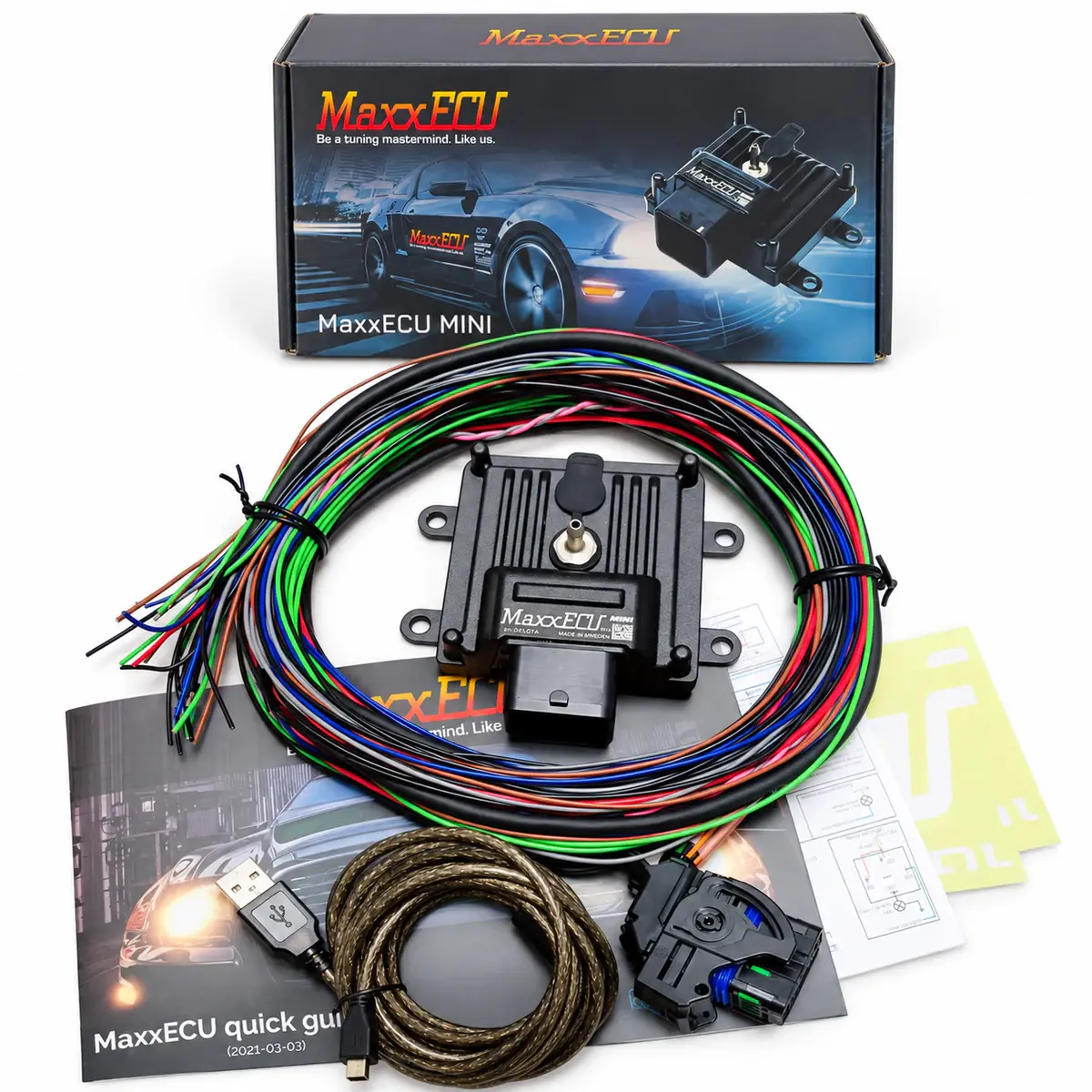
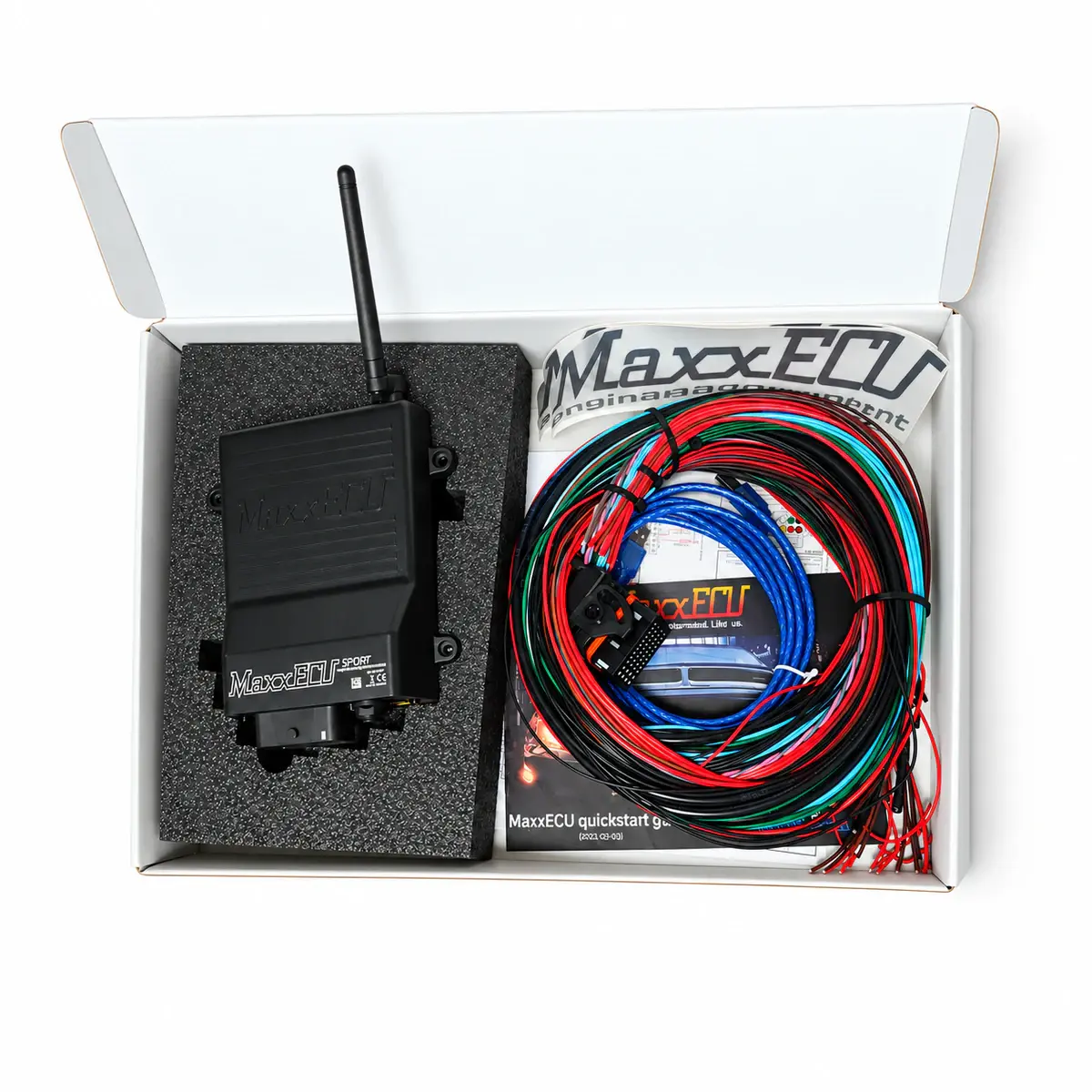
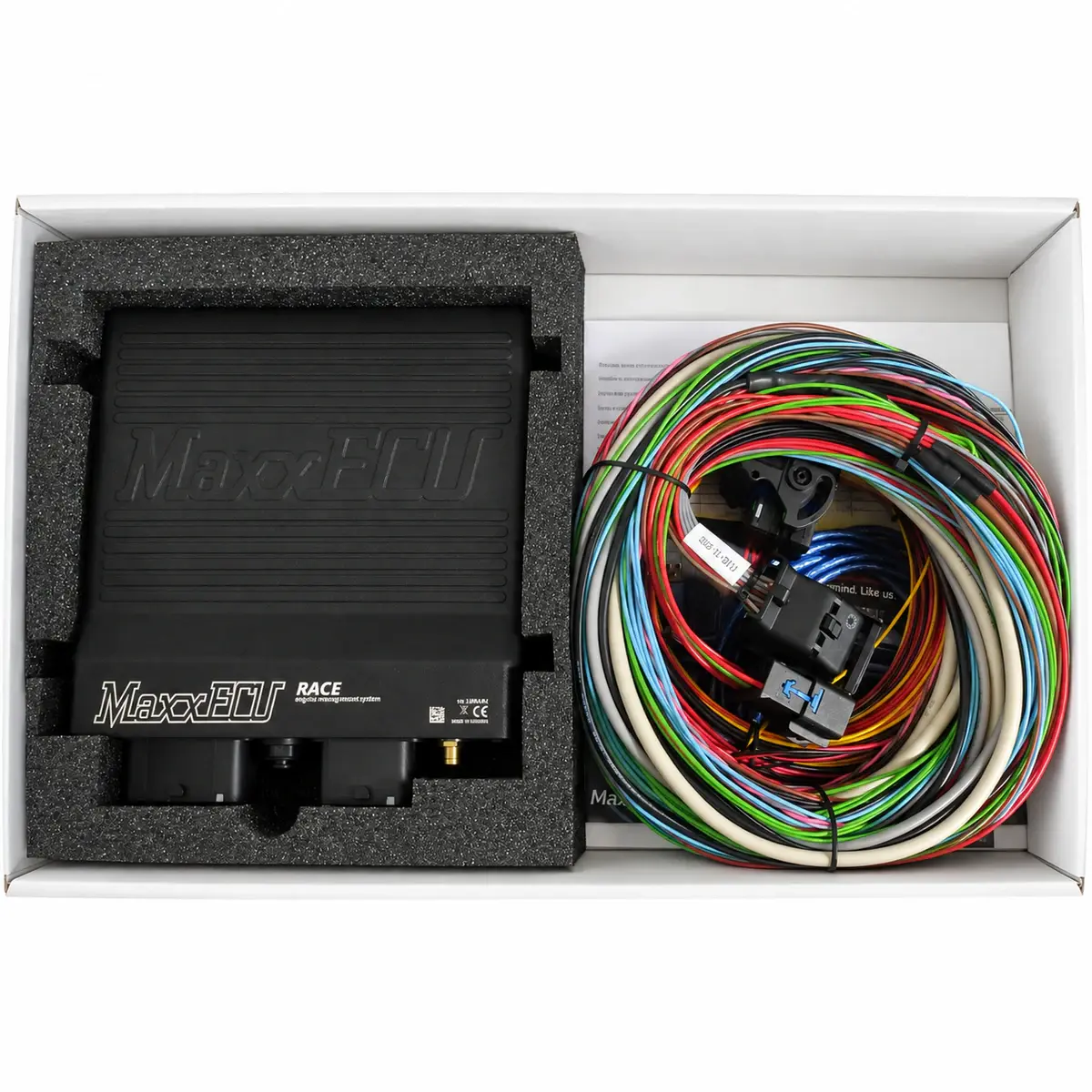
MaxxECU hardware supported by the chosen MTune release.
If MTune cannot connect
Check ECU power and ground first, followed by the USB data cable and computer port. If Windows Device Manager does not detect the ECU, check the driver. If it detects the device but MTune stays offline, check the software version and connection settings.
Save the setup and check sensors
Save the original setup after connection. With the engine stopped, check MAP, TPS, temperature and voltage, validating sensor type, pull-up and calibration before closed-loop or compensation settings.
Cranking and trigger tools
Check stable cranking RPM and sync, then inspect teeth, missing teeth and edges with trigger tools. Stable RPM is only one ignition condition; cylinder assignment, firing order and actual timing still need verification.
Output tests and ignition timing
Outputs must be assigned the correct function before use. Use Diagnostics / Output test for correctly wired loads. Coils require matching igniters, followed by timing-light verification.
Reference documents
- MaxxECU — Troubleshooting
- Document language: English
- Referenced chapters: No communication; No ignition spark; Output test
- MaxxECU — Trigger system documentation
- Document language: English
- Referenced chapters: Trigger oscilloscope and Trigger logger