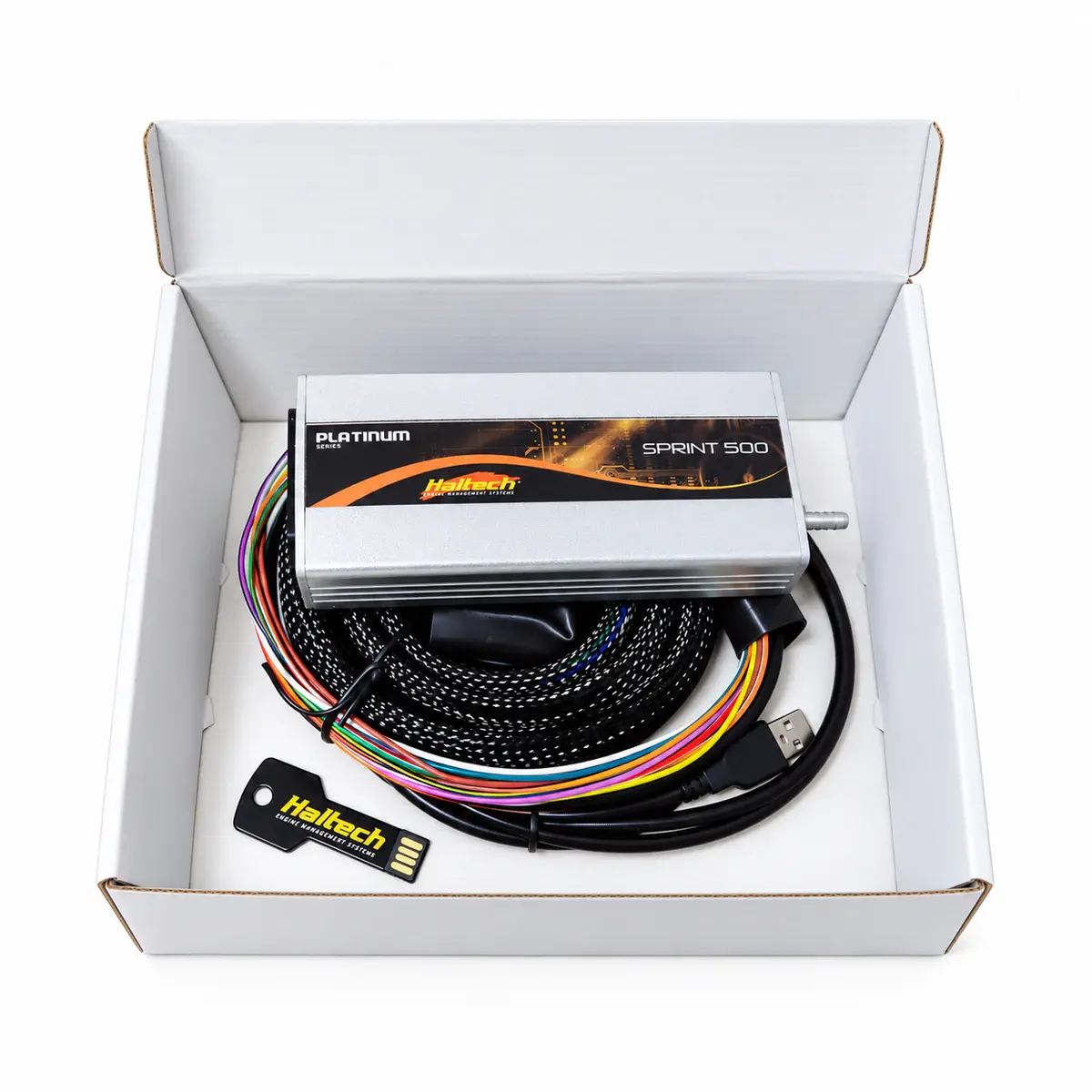
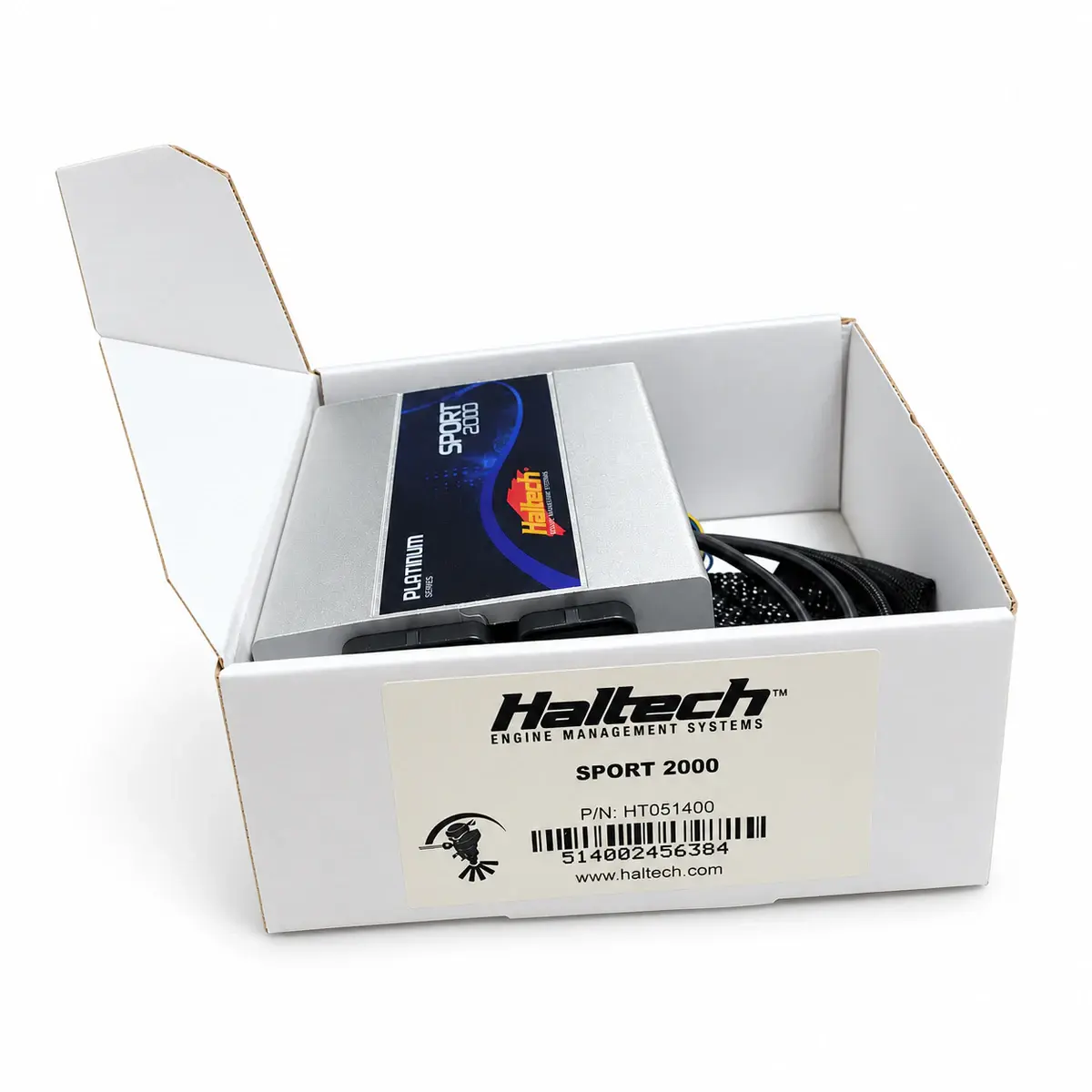
Applicability
Haltech Platinum family; current Elite and Nexus software is a separate workflow.
ECU Manager for Platinum
Platinum ECUs use ECU Manager. NSP and ESP belong to other hardware platforms and do not replace Platinum software.
If the ECU stays offline
Record the ECU model and USB driver status. Check ECU power and operating-system device detection first, then ECU Manager’s online status. Opening a file offline does not mean the computer is communicating with the ECU.
Back up before updating
Read the existing calibration from the ECU, save a read-only original, and record the software and firmware versions. Before any update, review the relevant release notes and recovery procedure. Installing the software does not mean firmware or engine validation is complete.
Check settings against live data
Use ECU Manager help for engine configuration, sensor calibration, triggers and fixed timing. When live data appears, check its units, range and channel meaning before relying on it.
Reference documents
- Haltech — Software Downloads: ECU Manager, Platinum Series
- Document language: English
- Referenced chapters: Platinum software entry and matching help
- Haltech — Platinum Series instruction manual
- Document language: English
- Referenced chapters: Software connection, sensors and initial checks