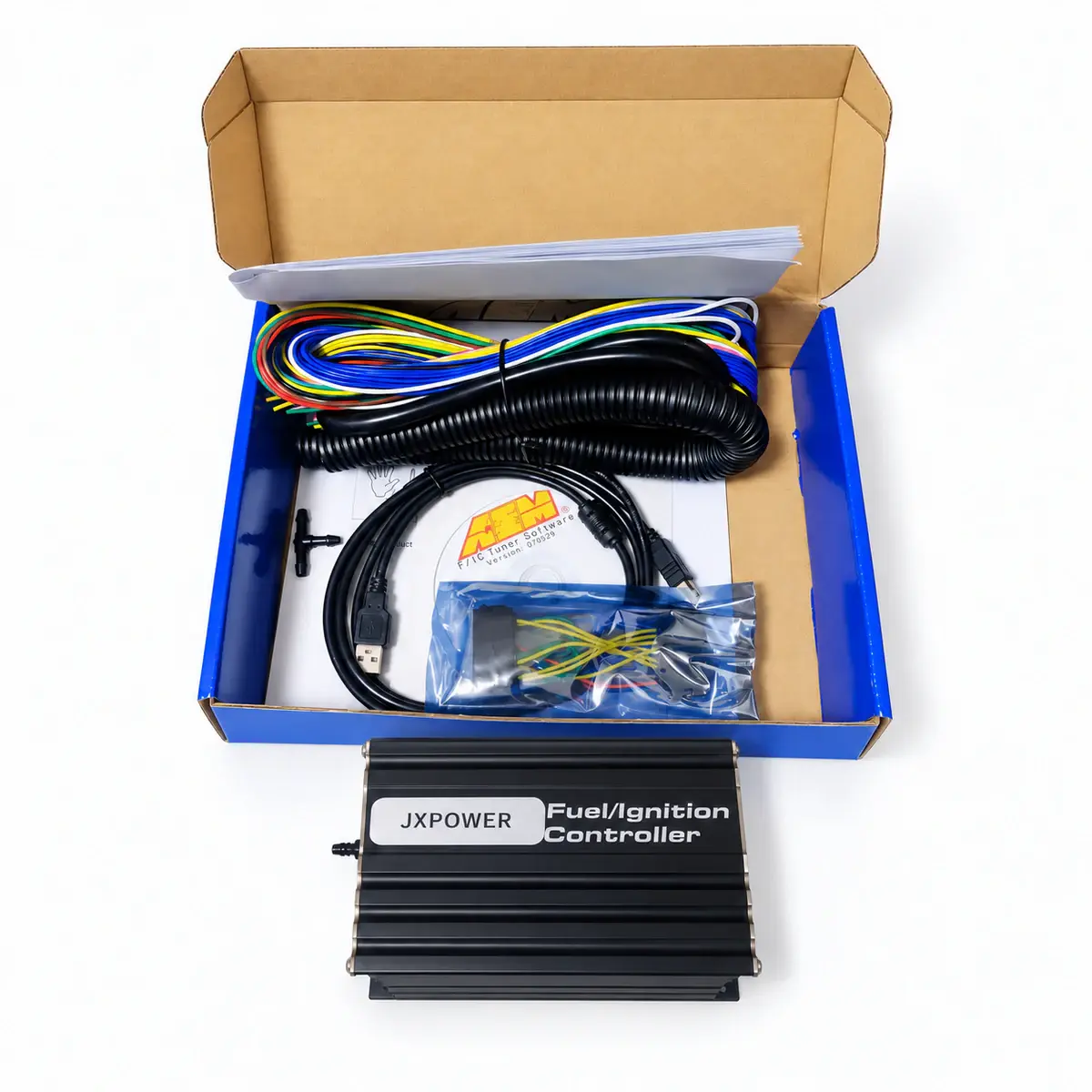
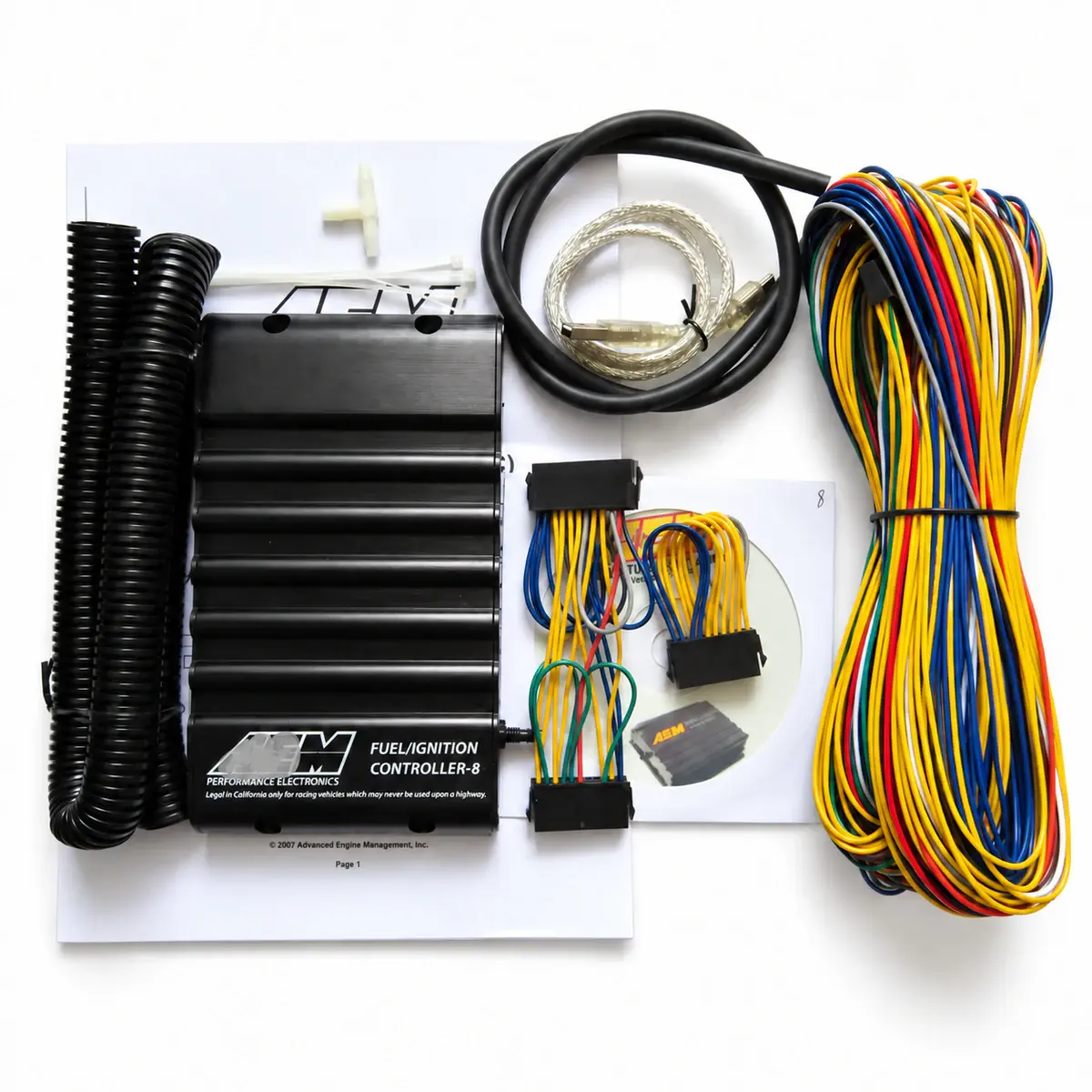
Applicability
FIC6 / FIC8 identified by their own hardware and firmware
Identify F/IC6 or F/IC8
Record part number, firmware and current software. Communication does not validate wiring or signal interception; check the separate model reference.
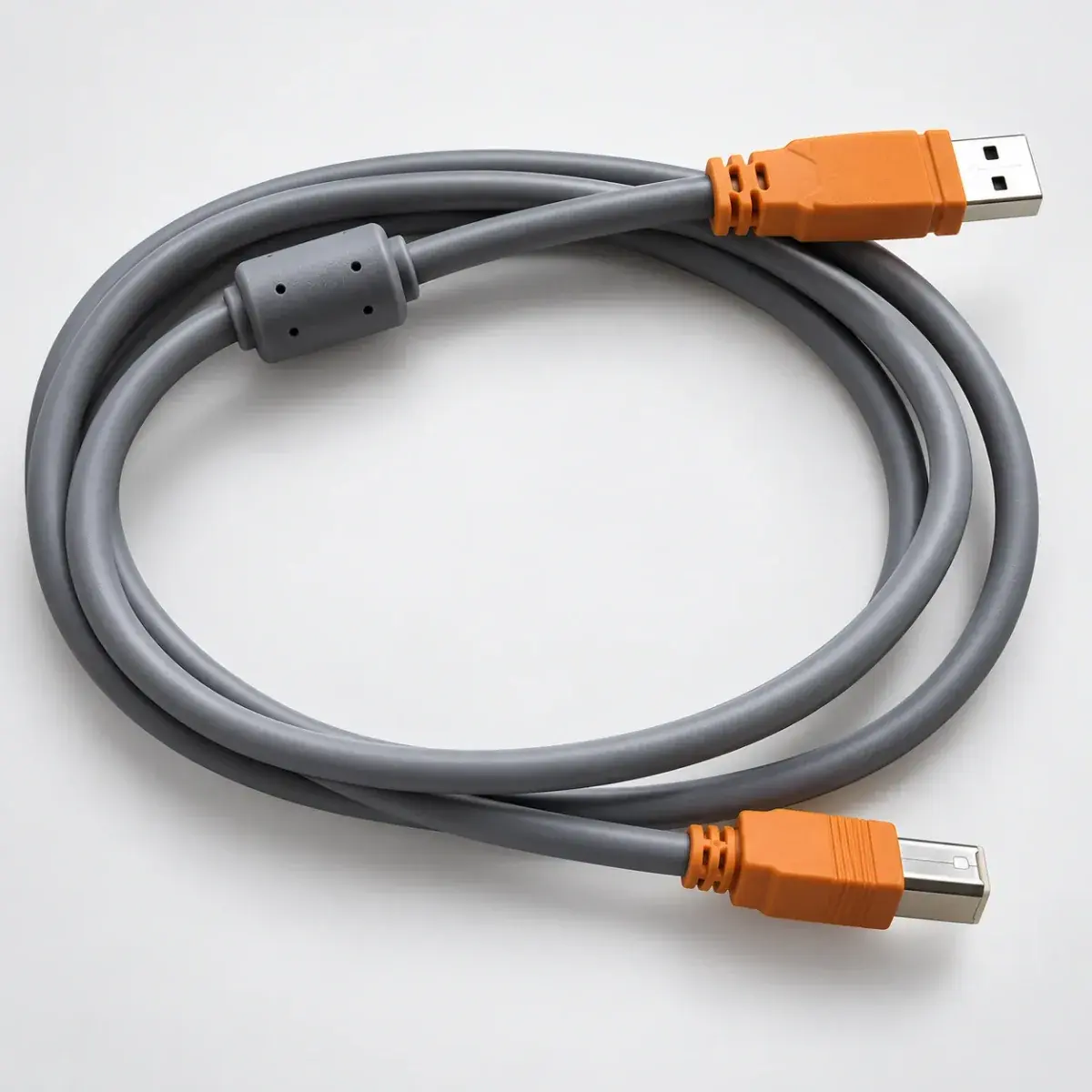
If USB will not connect
Check ECU power first. Then check whether the operating system detects the device and driver. Only after that, check whether the application sees the controller.
Save the map before editing
Read and save the existing calibration. Check the load source, MAP units, enabled tables and correction direction against live signals. Fuel-table changes do not replace checking the factory ECU’s closed-loop behaviour.
Set logging interval and channels
Select RPM, load and correction channels for the fault and record operating conditions. F/IC6 and F/IC8 both reach 10 ms intervals, with 64 KB and 2 MB memory respectively; channel settings also affect duration.
Reference documents
- AEM F/IC6 — Installation Instructions 30-1910
- Document language: English
- Document revision: Rev August 2013
- Referenced chapters: Getting started, wiring, software tables, logging and specifications
- AEM F/IC8 — Installation Instructions 30-1930
- Document language: English
- Referenced chapters: Channel allocation, auxiliary outputs, logging and specifications