
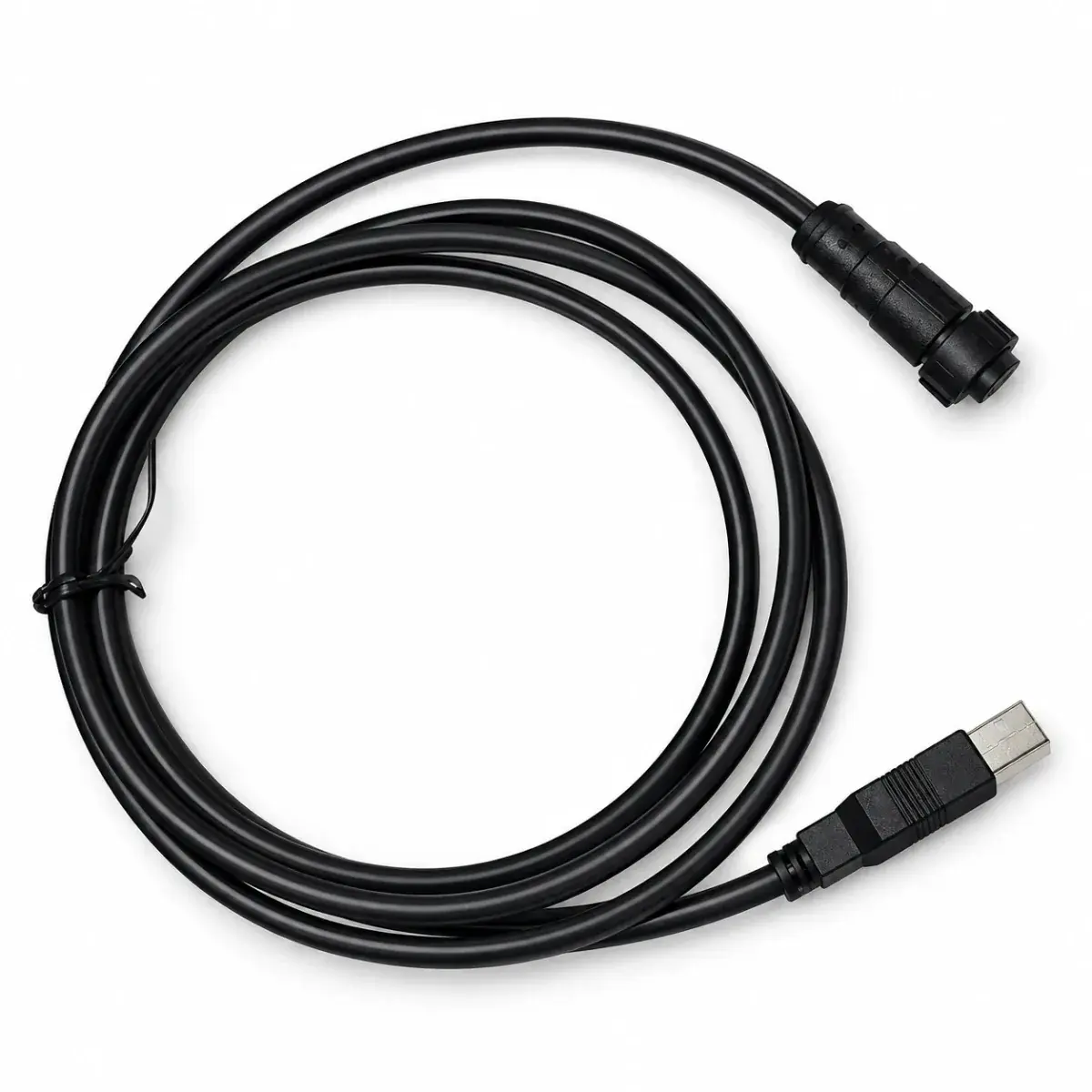
 Tuning cable
Fury X Tuning Cable
$50.05–55.33
Fury X tuning cable for connecting a matching ECU to a tuning computer.
USB / RS232 adapter
USB to RS232 adapter providing a serial communication connection for a computer.
Reference prices vary with exchange rates and the supplied package. Contact customer service to confirm the price, shipping and taxes.
01 / About USB to RS232 Adapter
This adapter adds a DB9 RS-232 serial connection to a computer's USB port for compatible legacy tuning interfaces. RS-232 uses different electrical levels from TTL UART, CAN and K-line. The chipset and driver must be identified before promising operation on a particular operating system.
02 / Specifications
03 / Package contents
The actual supplied contents are confirmed in the itemized quote. Check the following items before payment.
Ask which cable and connectors are supplied. Your ECU may also need its own tuning lead.
04 / Fitment & installation: USB to RS232 Adapter
Check the model, hardware revision and connector pins against the device’s wiring diagram.
Confirm TX / RX / ground, straight-through versus null-modem wiring, baud rate and flow control. Select the correct COM port in the tuning software and test reading before writing.
05 / Questions about USB to RS232 Adapter
No. The electrical levels differ. Use the interface required by the ECU rather than adapting connector shape alone.
Not before the chipset and driver are identified. The tuning application's own operating-system support must also be checked.
This is an RS-232 serial adapter. CAN, TTL UART and vehicle diagnostic interfaces require their own electrical and protocol hardware; a plug adapter cannot supply that conversion.
Identify the chipset and hardware ID, install its supported driver, and confirm a virtual COM port appears. Then check the tuning software operating-system requirements and the ECU serial settings.
Check transmit, receive, ground and any required handshake connections. Straight-through and crossed wiring have different uses; connector shape does not identify the required cable arrangement.
06 / Manuals & resources
EXPLORE / Related products
Tuning cableFury X tuning cable for connecting a matching ECU to a tuning computer.
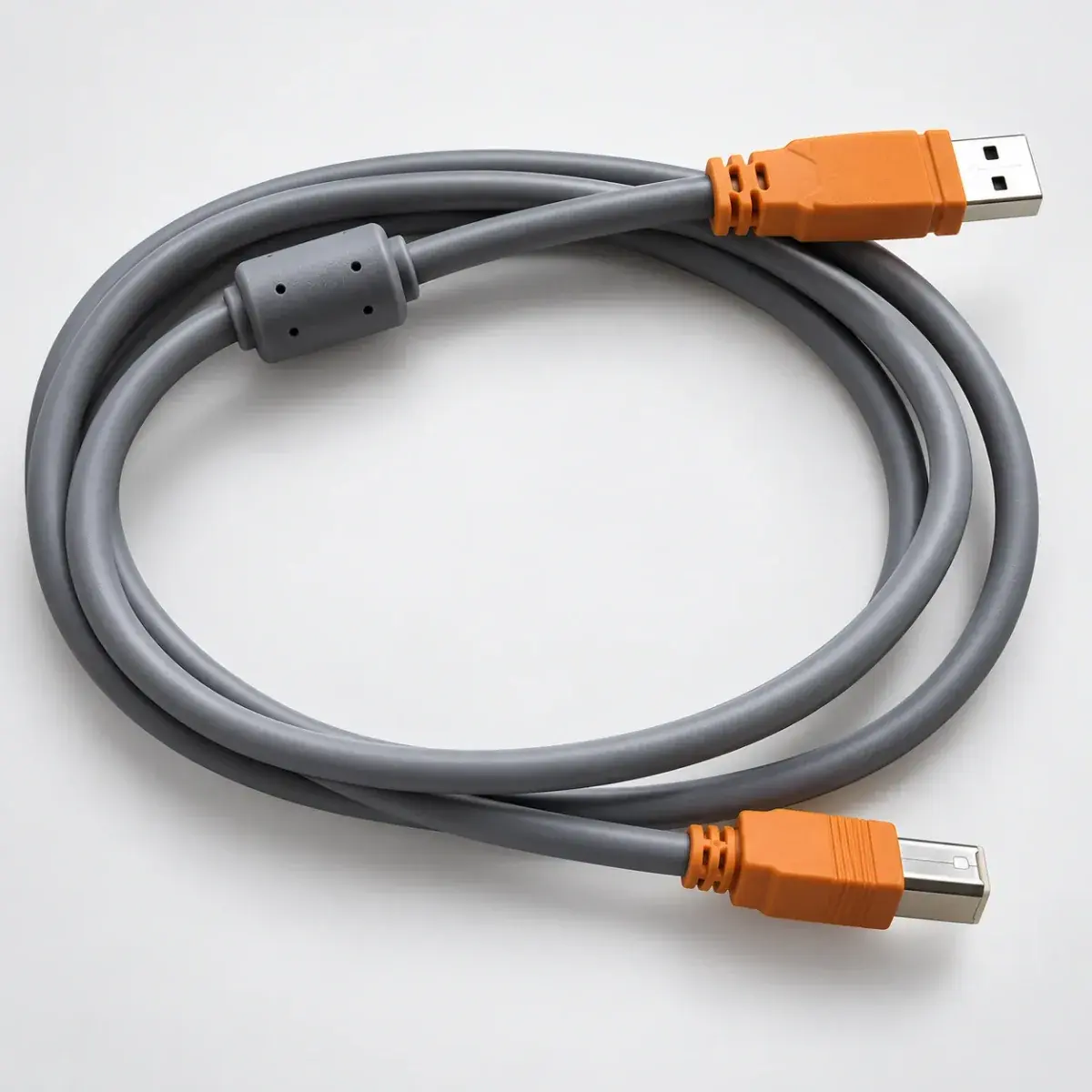 Tuning cable
FIC / e-Manage tuning connection cable, to be matched to the specific controller.
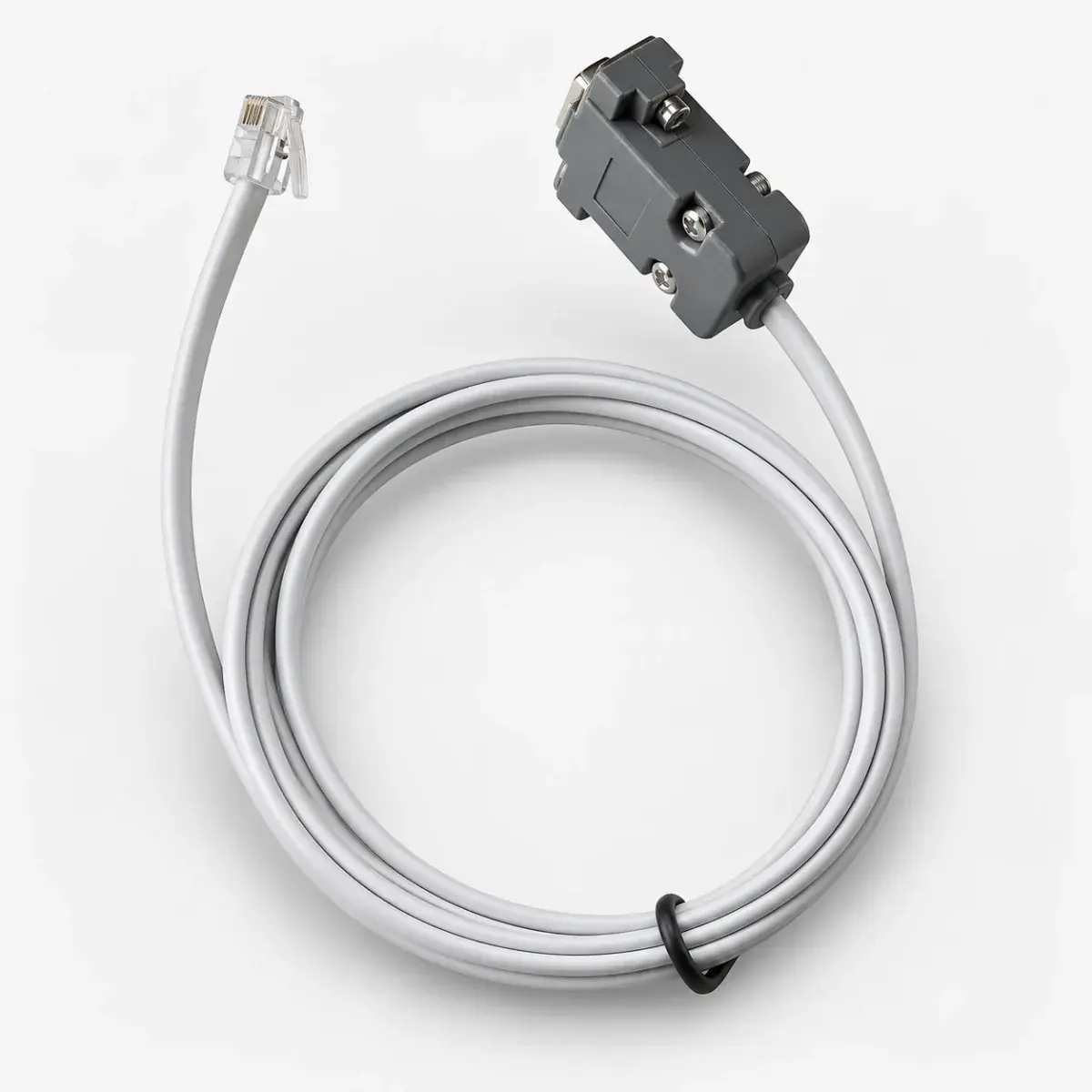 Tuning cable
IS tuning cable for a matched communication connection between the controller and computer.