
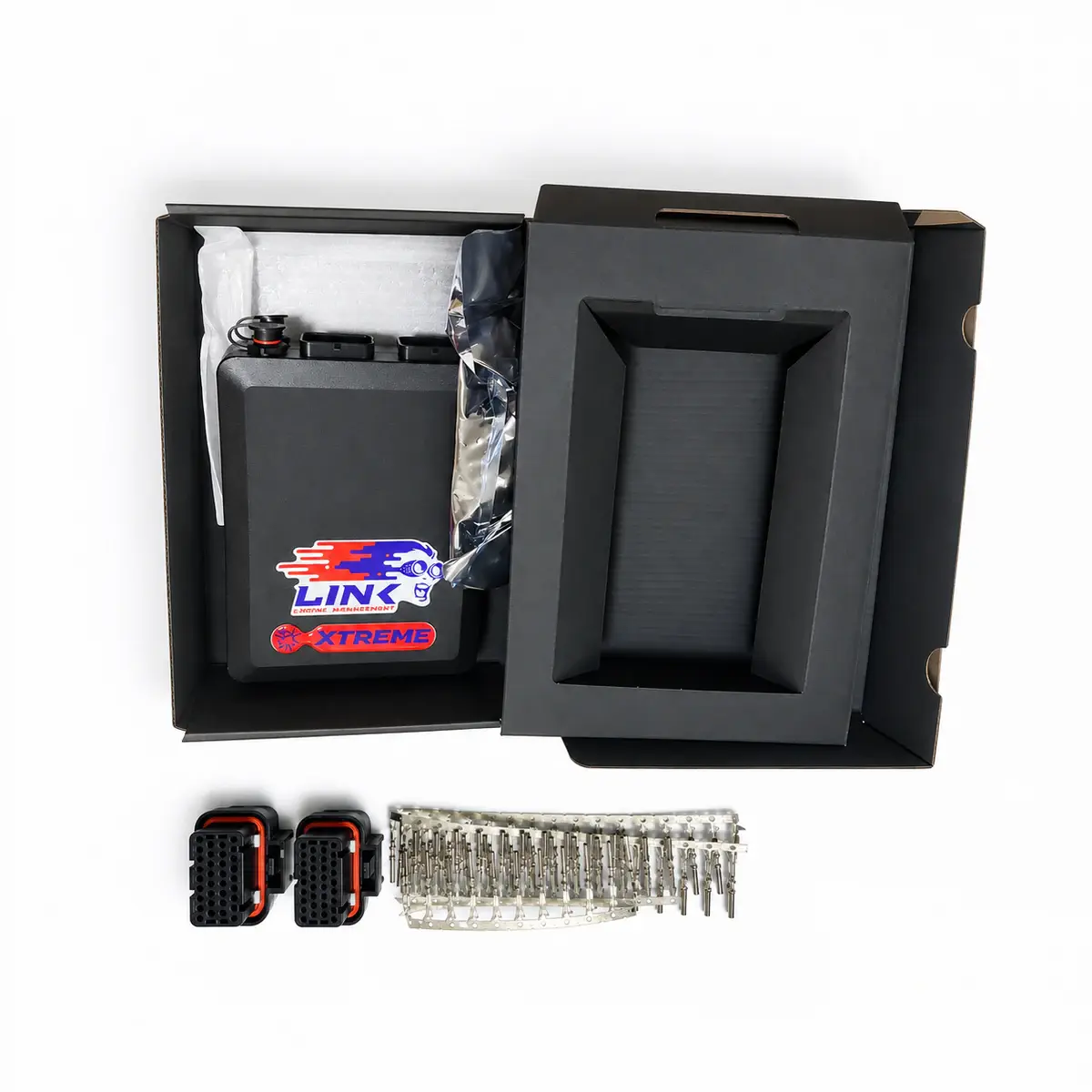
 Controller
Link Xtreme ECU
$1,063.65–1,175.63
Link Xtreme standalone ECU with 8 injection outputs, 8 ignition outputs, dual knock inputs and electronic throttle control.
Controller
Link Fury standalone ECU with 8 injection outputs, 6 ignition outputs and internal LSU 4.9 wideband oxygen control.
Reference prices vary with exchange rates and the supplied package. Contact customer service to confirm the price, shipping and taxes.
01 / About Fury
G4+ Fury provides eight injector outputs, six ignition outputs and one built-in LSU 4.9 wideband controller. Its A/B connectors connect sensors and actuators, with electronic throttle support and setup through PCLink G4+.
G4+: 8 injector and 6 ignition outputs.
PCLink G4+ handles calibration and wiring help.
A/B connectors with shared CAN2 and digital-input assignments.
Onboard LSU 4.9 interface and E-throttle.
02 / Specifications
03 / Package contents
The actual supplied contents are confirmed in the itemized quote. Check the following items before payment.
Confirm each controller, harness and tuning accessory included in this supply in the itemized quote.
04 / Fitment & installation: Link Fury ECU
Check the model, hardware revision and connector pins against the device’s wiring diagram.
Use the exact ECU wiring diagram; verify every circuit for continuity and shorts before connecting power.
Choose PCLink for the correct G4+ or G4X generation. Set the trigger mode, synchronise base timing and allocate I/O before enabling boost, VVT or throttle control.
Install the matching PCLink USB drivers before the first connection, then complete the model-specific installer I/O table before powering actuators.
05 / Questions about Fury
No. Processor, logging, firmware and some I/O capabilities differ by generation. Check the label and use G4+ documentation for this item.
Record the hardware and firmware revisions, save the existing tune, and verify loom continuity and every sensor calibration. Connector fit alone does not prove a wiring or tune match.
G4+ Fury and Xtreme both have eight injector outputs. Fury has six ignition outputs and internal wideband; Xtreme has eight ignition outputs and needs external wideband control.
G4+ Fury uses PCLink G4+ and matching firmware with 4 MB logging. FuryX belongs to G4X and has different software and logging specifications.
Press F1 in PCLink G4+ for wiring, ECU functions and software settings. G4+ and G4X use different software and wiring; select the controller’s generation.
Install the correct PCLink G4+ package and its USB drivers first. The guide warns that letting Windows assign an unrelated driver can prevent communication. After connection, check ECU identity, firmware compatibility and the saved calibration.
The analogue inputs accept 0–5 V signals. Check the sensor’s output range: its supply voltage is not its signal voltage, and an output above 5 V cannot be connected directly.
Spare injector and ignition outputs can serve switching auxiliary functions within their driver ratings. When electronic throttle uses Aux 9 and Aux 10, those outputs cannot control other loads.
Mount in a protected cabin location away from heat, water and ignition interference. Allow wiring and tuning access and isolate vibration; a metal case does not establish waterproofing.
The guide provides Trigger 1 and Trigger 2. Whether a cam/HOME signal is required depends on the selected trigger pattern and sequential strategy. Check the engine pattern and polarity in PCLink G4+ rather than assuming any RPM signal supplies cylinder phase.
No. CAN2 shares DI9 / DI10 pins. Select either two digital inputs or the second CAN bus, not both simultaneously.
06 / Manuals & resources
EXPLORE / Related products
ControllerLink Xtreme standalone ECU with 8 injection outputs, 8 ignition outputs, dual knock inputs and electronic throttle control.
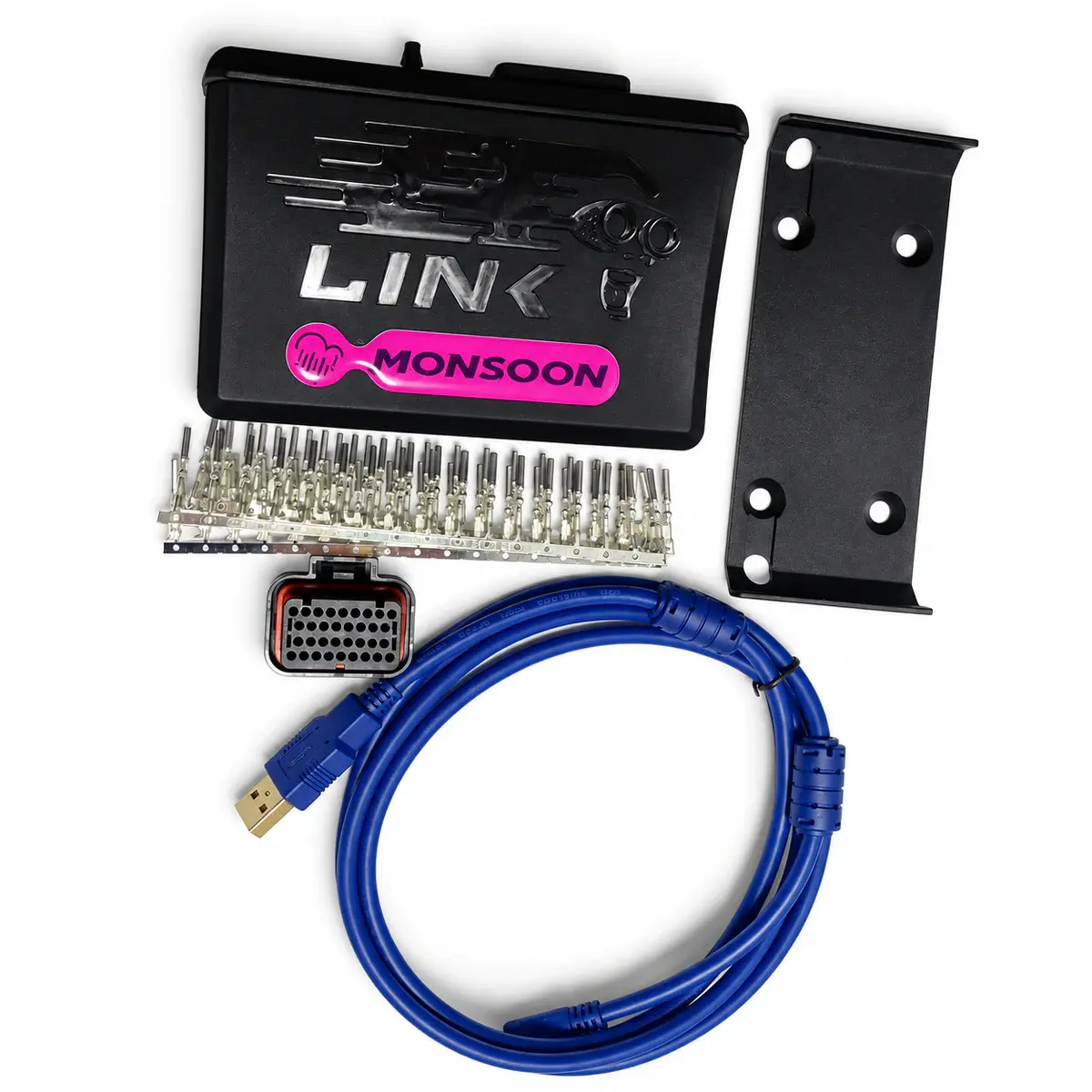 Controller
Link Monsoon standalone ECU with 4 injection and 4 ignition outputs and a single A connector. Wideband oxygen measurement requires an external controller.
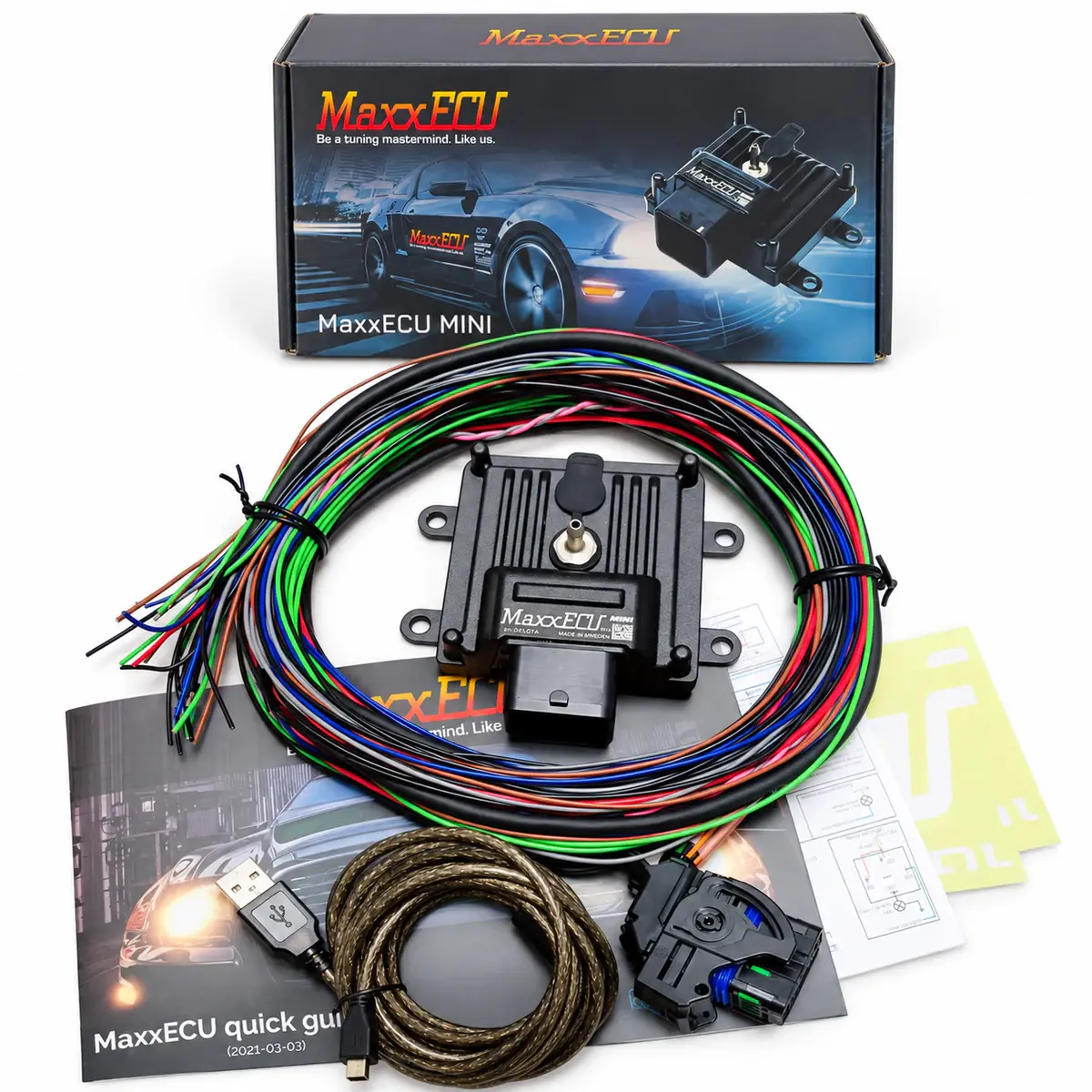 Controller
Compact standalone ECU with fully sequential four-cylinder control, built-in MAP and data logging.